Build video into
your product.
Write video in HTML, CSS and React. Put a player and an editor in your app, then render MP4s in the browser or on our cloud.
Try it locally. No account required.
Turn app data into personalized videos.
Give each customer a recap with their activity, totals, and progress.
Download HTML sourceIllustrative examples, rendered with Editframe.Follow one video from HTML to every customer.
The film follows Daybreak Coffee, an example coffee chain. The elements, commands and API calls in it are real.


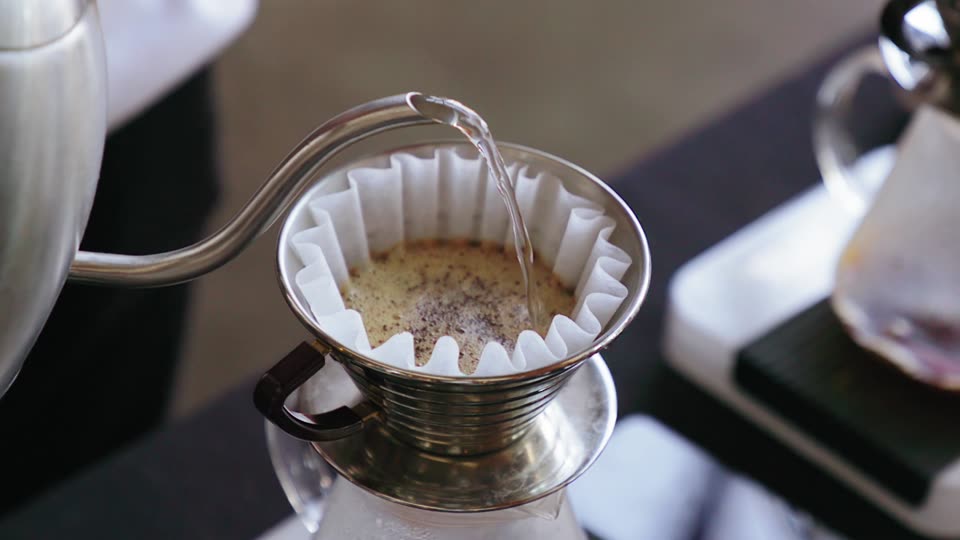

Film outline
- Write the video in HTML. Daybreak Coffee, an example coffee chain, types its morning greeting as an ef-timegroup holding an ef-video and ef-text elements. The frame beside the code assembles as each element lands.
- Scrub every frame in the browser. A playhead drags back and forth across the footage, headline and detail tracks, and the frame follows it. The footage plays from its own URL and loads in segments as the playhead reaches them.
- Let your users edit it in your app. Inside Daybreak’s own studio page, a cursor selects the headline on the canvas, types a new one and switches the palette. The frame updates with every keystroke.
- Render it in the browser, a terminal or our cloud. The edited composition renders from an Export MP4 button, from the editframe render command and from the Renders API. Each path produces the same video.
- Long videos render as parallel 15-second slices. A 60-second Daybreak video is cut into four 15-second slices plus an init segment. GPU workers render them alongside slices from other renders, the fragments are joined without re-encoding, and render.completed reaches your webhook.
- Each row of data becomes a video. Each customer row becomes its own HTML document and render job, filling a wall of personalized Daybreak videos. The film ends on npm create @editframe@latest.
Send one render job per customer.
Post each composition’s HTML to the Renders API. GPU workers render it, and your webhook receives render.completed when the MP4 is ready.
import { Client, createRender } from "@editframe/api";

const client = new Client(process.env.EDITFRAME_API_KEY);

for (const customer of customers) {
  await createRender(client, {
    html: morningHtml(customer),
    width: 1920,
    height: 1080,
    fps: 30,
    metadata: { customerId: customer.id },
  });
}
Keep your API key on your server.
Follow one night of dashcam video through Factory.
Kestrel Freight, an example trucking fleet, wants a reviewed safety clip of every hard brake. Fleets, insurers, security teams and media archives record footage around the clock. Factory runs the same checks on every file, asks a person to decide only where a step flagged something, and returns clips your staff and customers can use.

























Film outline
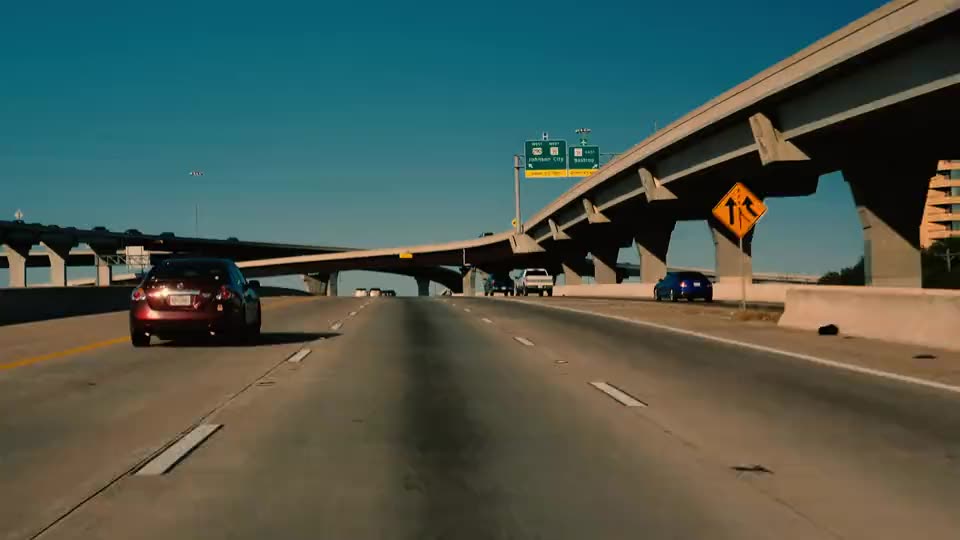
- Every night, 4,000 trucks upload dashcam video. Kestrel Freight wants a reviewed safety clip of every hard brake. Tonight its trucks upload 1,200 hours of dashcam video, more than anyone can watch.
- Each video plays and processes before its upload finishes. Editframe's uploader sends each truck's video in parts that start on a keyframe, so playback and processing begin while the rest uploads. Factory uses a part only after its checksum matches.
- Your pipeline starts on each part as it arrives. Built-in steps probe, transcribe, sample frames and find license plates on each part, while filter, review, redact and publish wait for the whole video. The pipeline is a versioned JSON graph. Each run keeps its version, and each step adds results to the video's record and sends a pipeline_step.completed webhook.
- A step can call your own systems. Kestrel's telematics system already records when each truck brakes hard. Its step sends that service a signed request with an idempotency key for each part, up to the concurrency limit you set. The service can return a result now, return it later by callback, or ask Factory to retry later. A step can also run an open model or your own code.
- Only flagged moments reach a reviewer. The filter step passes on only the hard brakes the telematics step reported. The video waits at review until Ana, a Kestrel reviewer, approves blurring one license plate, and then your app receives a webhook.
- Factory renders a branded clip your team can edit. Redact blurs the plate along the boxes the plates step found, and the clip carries captions from the transcript and a Kestrel lower third. Publish adds an internal playback link to the video's record. The same composition opens in an Editframe editor inside Kestrel's app, and each edit renders again.
- Workers follow the queue. Factory starts more workers as tonight's queue grows and stops them when it empties, so you never size servers for the busiest night. Calls to your own services stay within the limit you set. Timing in this scene is illustrative.
- All 1,200 hours were checked. Every part went through the same steps, and people saw only the hard brakes. Kestrel is one example. Your pipeline can use the same built-in steps and add open models, your own code or calls to your services. Factory runs hosted, and on-prem options are available.
Built-in steps do the video work.
Built-in steps transcribe speech, sample frames, find scenes and objects such as license plates, send flagged moments to a reviewer and redact them. A step can also call your API, run your code or load an open model. Redact and publish render through Editframe, so each approved moment becomes a branded clip your team can edit.
{
"steps": {
  "probe":      { "type": "probe" },
  "transcribe": { "type": "transcribe", "needs": ["probe"] },
  "frames":     { "type": "sample_frames", "needs": ["probe"] },
  "plates":     { "type": "detect_objects", "needs": ["frames"] },
  "telematics": { "type": "endpoint", "needs": ["probe"] },
  "flagged":    { "type": "filter", "needs": ["plates", "telematics"] },
  "review":     { "type": "review", "needs": ["flagged"] },
  "redact":     { "type": "redact_render", "needs": ["review"] },
  "publish":    { "type": "publish", "needs": ["redact"] }
}
}Each run keeps the pipeline version it started with.
Start with a working composition.
Reuse a transition, a title treatment, or a complete sequence.
Browse the motion catalog ↗Build your
first video.
Start with npm create @editframe@latest. Local projects need no account or API key.