Render your video.
Browser, CLI, or cloud.
Export an MP4 inside your app, render one from your terminal, or send HTML to the render API. All three render the same composition, frame for frame.
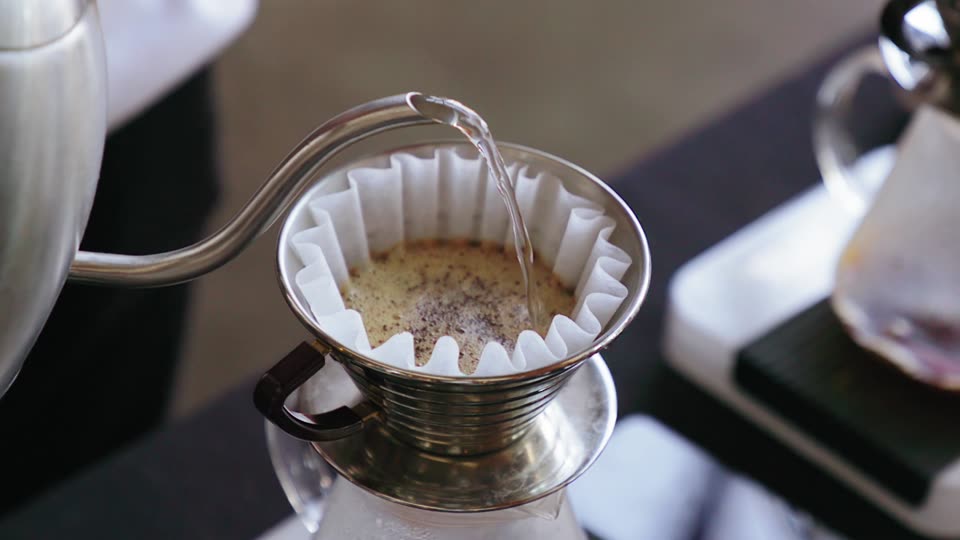
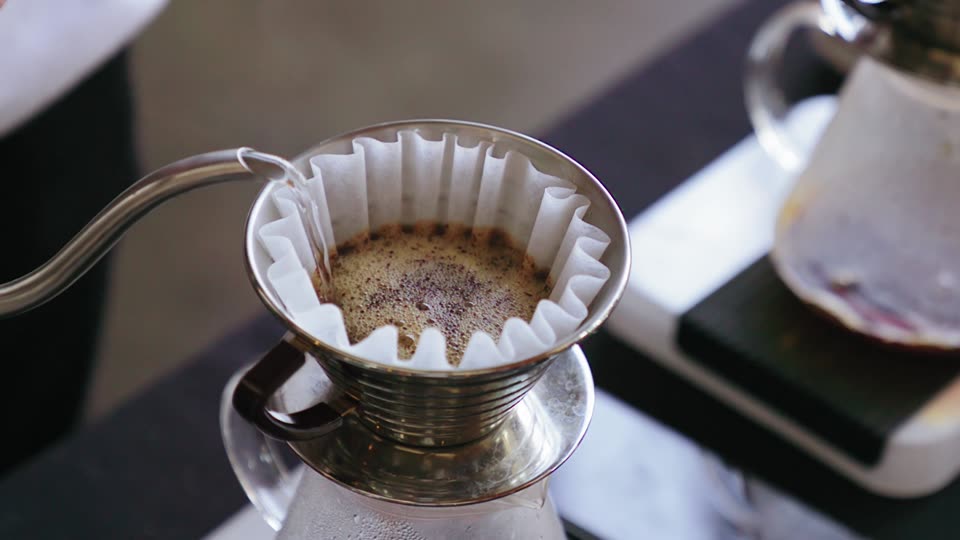 000
000 030
030 090
090Film outline
- One HTML video, three renderers. Daybreak's eight-second spot is one HTML composition. A render pulls its 240 frames off the timeline and encodes them into an MP4.
- Export in the browser. A click in Daybreak's app calls renderToVideo(). An offscreen clone renders each frame while the preview keeps playing, and WebCodecs encodes the MP4 without a server.
- Render from a terminal. npx editframe render opens the composition in headless Chrome on your machine, renders its 240 frames and writes daybreak.mp4.
- Send HTML to the render API. POST /api/v1/renders with the composition's HTML returns a render ID. Editframe's GPU workers render it, and the MP4 downloads from the render's URL.
- The same frame from every path. Frame 142 from all three MP4s, side by side. Each renderer seeks the composition to 4.733 seconds, and the composition decides what is on screen.
Choose where the render runs.
Browser
- Started by
- A person using your product
- Renders in
- Your user's browser, with WebCodecs
- Returns
- MP4 bytes in your page
- API key
- No
CLI
- Started by
- A developer, script, or agent
- Renders in
- Headless Chrome on your machine
- Returns
- An MP4 file
- API key
- No
Cloud
- Started by
- Your server
- Renders in
- Editframe GPU workers
- Returns
- A render ID, then an MP4 download
- API key
- Yes
Add an export button.
Call renderToVideo() on the root timegroup. It renders an offscreen copy of the composition, so the preview stays interactive while WebCodecs encodes the MP4 and reports each frame.
import "@editframe/elements"

const root = document.querySelector("ef-timegroup")
const { buffer, mimeType } = await root.renderToVideo({
  fps: 30,
  onProgress: ({ frame, totalFrames }) => {
    progress.textContent = `${frame} / ${totalFrames}`
  },
})
const mp4 = new Blob([buffer], { type: mimeType })
Render the React components you already use.
Wrap the composition in TimelineRoot. Export then mounts a second, live copy of your components, with their hooks and state, instead of a static DOM clone. useTimingInfo ties each component to timeline time.
import { TimelineRoot, Timegroup, useTimingInfo }
  from "@editframe/react"

function Scene({ id }) {
  const { ref, percentComplete } = useTimingInfo()
  return <Timegroup ref={ref} id={id} mode="fixed" duration="5s"
    style={{ opacity: percentComplete }} />
}

<TimelineRoot id="root" component={Scene} />
Start from a study in the motion catalog.
Browse all studies ↗
Render your first video.
Start locally. Add cloud rendering when you need it.