Run every video
through your pipeline.
Editframe Factory runs every video you collect through built-in steps for transcription, frame sampling, object detection, human review and redaction, then renders branded clips from the results. Workers scale with each batch, so you don't build video processing or plan capacity for the busiest night. Each file enters the pipeline while it is still uploading. Factory runs hosted by Editframe. On-prem options are available for your own cloud or data center.





















Film outline
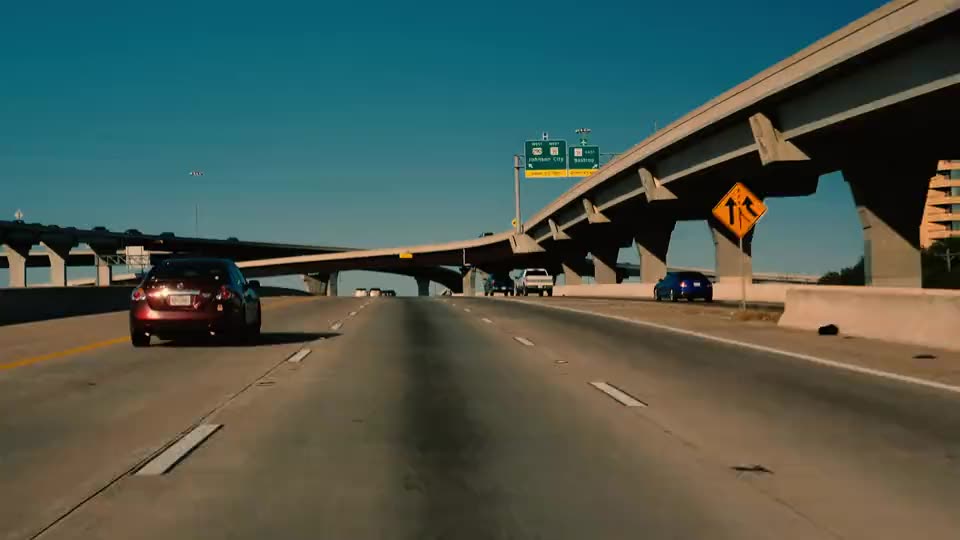
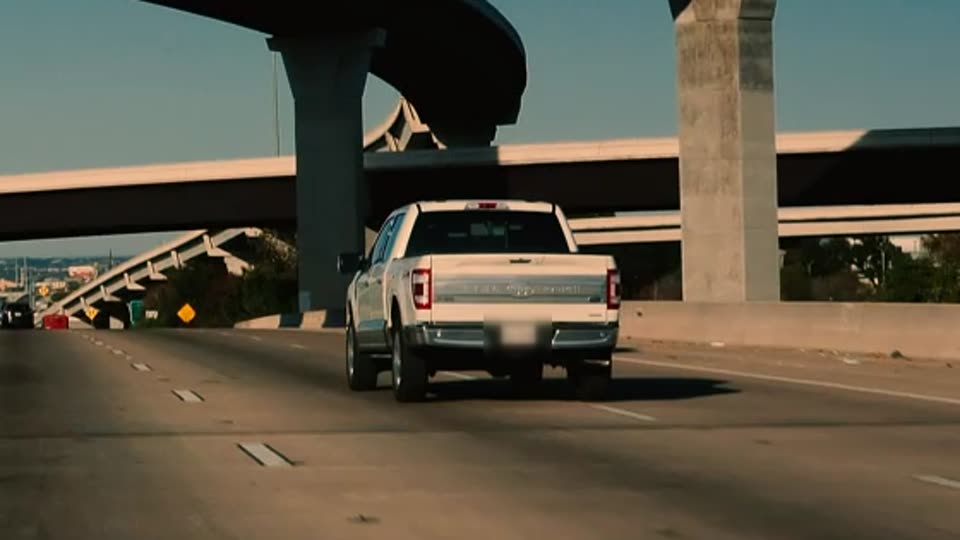
- Every night, 4,000 trucks upload dashcam video. Kestrel Freight wants a reviewed safety clip of every hard brake. Tonight its trucks upload 1,200 hours of dashcam video, more than anyone can watch.
- Each video plays and processes before its upload finishes. Editframe's uploader sends each truck's video in parts that start on a keyframe, so playback and processing begin while the rest uploads. Factory uses a part only after its checksum matches.
- Your pipeline starts on each part as it arrives. Built-in steps probe, transcribe, sample frames and find license plates on each part, while filter, review, redact and publish wait for the whole video. The pipeline is a versioned JSON graph. Each run keeps its version, and each step adds results to the video's record and sends a pipeline_step.completed webhook.
- A step can call your own systems. Kestrel's telematics system already records when each truck brakes hard. Its step sends that service a signed request with an idempotency key for each part, up to the concurrency limit you set. The service can return a result now, return it later by callback, or ask Factory to retry later. A step can also run an open model or your own code.
- Only flagged moments reach a reviewer. The filter step passes on only the hard brakes the telematics step reported. The video waits at review until Ana, a Kestrel reviewer, approves blurring one license plate, and then your app receives a webhook.
- Factory renders a branded clip your team can edit. Redact blurs the plate along the boxes the plates step found, and the clip carries captions from the transcript and a Kestrel lower third. Publish adds an internal playback link to the video's record. The same composition opens in an Editframe editor inside Kestrel's app, and each edit renders again.
- Workers follow the queue. Factory starts more workers as tonight's queue grows and stops them when it empties, so you never size servers for the busiest night. Calls to your own services stay within the limit you set. Timing in this scene is illustrative.
- All 1,200 hours were checked. Every part went through the same steps, and people saw only the hard brakes. Kestrel is one example. Your pipeline can use the same built-in steps and add open models, your own code or calls to your services. Factory runs hosted, and on-prem options are available.
For teams that collect more video than people can watch.
Fleets, insurers, security teams and media archives record footage around the clock. Factory runs the same checks on every file, asks a person to decide only where a step flagged something, and returns clips your staff and customers can use.
Reviewers see flagged moments.
A filter step sends only flagged files to the review queue. Every other file finishes without waiting for a person.
Every result is in one record.
Each step adds its results to the video's record, so search, reporting and audits read from one place.
Capacity follows the batch.
Workers scale with the queue of waiting video and stop when it empties.
Approved moments become clips.
Redact and publish render through Editframe, so each approved moment becomes a branded clip your team can edit.
A pipeline is a versioned JSON graph.
Each step names the steps it needs, and Factory starts a step when its inputs are ready. A run keeps the pipeline version it started with, so you can publish a new version without changing files already in flight.
Built-in steps probe, transcribe, sample frames, detect scenes and objects such as license plates, filter, review, redact and publish. Your app receives a webhook such as pipeline_step.completed for each step, with a sequence number per run so you can apply events in order.
{
  "steps": {
    "probe": { "type": "probe" },
    "transcribe": { "type": "transcribe", "needs": ["probe"] },
    "frames": {
      "type": "sample_frames",
      "needs": ["probe"],
      "with": { "every_ms": 1000 }
    },
    "plates": {
      "type": "detect_objects",
      "needs": ["frames"],
      "with": { "kinds": ["plate"] }
    },
    "telematics": {
      "type": "endpoint",
      "needs": ["probe"],
      "with": { "endpoint_id": "7c9e6679-7425-40de-944b-e07fc1f90ae7", "max_concurrency": 16 }
    },
    "flagged": {
      "type": "filter",
      "needs": ["plates", "telematics"],
      "when": { "path": "telematics.annotations", "op": "non_empty" }
    },
    "review": { "type": "review", "needs": ["flagged"] },
    "redact": {
      "type": "redact_render",
      "needs": ["review"],
      "with": { "kinds": ["plate"] }
    },
    "publish": { "type": "publish", "needs": ["redact"] }
  }
}Add steps of your own when you need them.
A step can call your API, run your code on Factory's workers or load an open model. An endpoint step receives the file, signed media URLs and the metadata earlier steps wrote. Each request is signed, carries an idempotency key and stays within the concurrency limit you set for that endpoint.
Receive the step
The request names the run, the step and the attempt. If the same request arrives twice, its idempotency key tells you.
{
  "pipeline_run_id": "01a1154e-…",
  "step_run_id": "4de6653e-…",
  "attempt": 1,
  "idempotency_key": "4de6653e-…:1",
  "file": { "id": "6426db95-…", "duration_ms": 1080000 },
  "media": { "source_url": "https://…/tracks/1", "expires_at": "…" },
  "metadata": { "probe": { … } },
  "callback": { "url": "https://…/pipeline-callbacks/…", "expires_at": "…" }
}
Answer now or call back
Return 200 with this result, or 202 and post it to the callback URL when your service finishes. Factory backs off on 429 and honors Retry-After.
{
  "metadata": { "truck": "1182" },
  "annotations": [
    { "kind": "hard_brake", "start_ms": 487000, "end_ms": 496000 }
  ]
}
Factory uses the rest of Editframe.
The redact step renders through the same composition model as the rest of Editframe. Render branded clips from pipeline results, put an editor in your product, and play the source through on-demand segments.
Tell us about the batch.
Describe the footage, how much arrives each day and the cloud it lives in. We reply to the work email you send.