Video made with web technology.
A motion study, and a film for each part of Editframe.
Creative possibilities
Typography, texture, and motion made with web technology.
How Editframe works
Write a video in HTML, let users edit it, and render it in the browser, a terminal or our cloud.




Film outline
- Write the video in HTML. Daybreak Coffee, an example coffee chain, types its morning greeting as an ef-timegroup holding an ef-video and ef-text elements. The frame beside the code assembles as each element lands.
- Scrub every frame in the browser. A playhead drags back and forth across the footage, headline and detail tracks, and the frame follows it. The footage plays from its own URL and loads in segments as the playhead reaches them.
- Let your users edit it in your app. Inside Daybreak’s own studio page, a cursor selects the headline on the canvas, types a new one and switches the palette. The frame updates with every keystroke.
- Render it in the browser, a terminal or our cloud. The edited composition renders from an Export MP4 button, from the editframe render command and from the Renders API. Each path produces the same video.
- Long videos render as parallel 15-second slices. A 60-second Daybreak video is cut into four 15-second slices plus an init segment. GPU workers render them alongside slices from other renders, the fragments are joined without re-encoding, and render.completed reaches your webhook.
- Each row of data becomes a video. Each customer row becomes its own HTML document and render job, filling a wall of personalized Daybreak videos. The film ends on npm create @editframe@latest.
An editor inside your product
Editing panels, a timeline, your own styles, and an MP4 export in the browser.
Film outline
- Editframe's editor panels in your app. Wren, an example campaign app, places Editframe's editor panels in its own layout.
- Edit the headline. Select the headline, move and resize it on the canvas, then retype it in Wren's inspector.
- Trim and scrub on the timeline. Trim the footage, then scrub. Canvas and timeline follow one composition clock.
- Restyle every panel. Wren's CSS variables restyle every Editframe panel at once.
- Export the MP4. Export the edited Daybreak spot as an MP4 in the browser.
One HTML video, rendered three ways
The same frame from the browser, a terminal, and the render API.
Film outline
- One HTML video, three renderers. Daybreak's eight-second spot is one HTML composition. A render pulls its 240 frames off the timeline and encodes them into an MP4.
- Export in the browser. A click in Daybreak's app calls renderToVideo(). An offscreen clone renders each frame while the preview keeps playing, and WebCodecs encodes the MP4 without a server.
- Render from a terminal. npx editframe render opens the composition in headless Chrome on your machine, renders its 240 frames and writes daybreak.mp4.
- Send HTML to the render API. POST /api/v1/renders with the composition's HTML returns a render ID. Editframe's GPU workers render it, and the MP4 downloads from the render's URL.
- The same frame from every path. Frame 142 from all three MP4s, side by side. Each renderer seeks the composition to 4.733 seconds, and the composition decides what is on screen.
A video for every customer
One request per row, rendered in parallel slices on GPU workers.
Film outline
- One request per customer. Daybreak Coffee has 12,480 customers. Its server loops over them and calls createRender once per customer, sending that customer's HTML to POST /api/v1/renders.
- Cut into 15-second slices. Editframe cuts each video's timeline into 15-second slices plus an init segment, so a 60-second video becomes five render jobs. Jobs from every video share one queue.
- Rendered on GPU workers. Each GPU worker renders eight slices at once, and more workers start as the queue grows. Timing in this scene is conceptual.
- Joined without re-encoding. The finished CMAF fragments are joined byte for byte into one MP4. Nothing is re-encoded.
- Your app hears back. Editframe posts render.completed to your webhook with the render ID, your metadata and a download URL. A progress stream reports each render while it runs.
- A video for every customer. 12,480 personalized videos, and no render servers of your own.
Playing a 4K original from your bucket
Segments are made just ahead of the playhead, and replays come from cache.
Film outline
- Your original file stays in your bucket. A 2.71 GB, 3840 × 2160 file keeps its storage URL. ef-video points at that URL, and the variants endpoint plans 2-second play segments and 30-second scrub windows without encoding anything.
- Segments are made just ahead of the playhead. Each segment reads one slice of the source, widened to the nearest keyframes, and becomes a 1080p segment as the playhead approaches, like track laid in front of a moving train.
- A far seek shows a coarse proxy first. Dragging the scrubber to 1:24 pulls a 30-second, 320-pixel scrub window, then the 2-second play segment for that position replaces it.
- A replay comes from cache. Segments that already exist are reused. Nothing is read from the bucket or encoded again.
- The video plays in your product. Daybreak's title and synced captions play over the master, and playback requests carry a token your server signed.
Every video through your pipeline
Follow one night of dashcam uploads at a trucking company through Editframe Factory, from upload to a reviewed, branded safety clip.
















Film outline
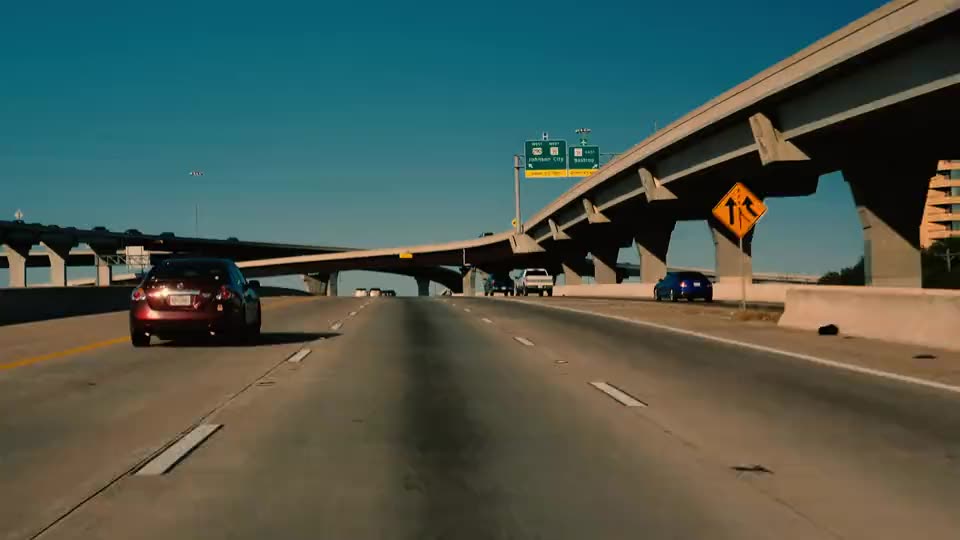
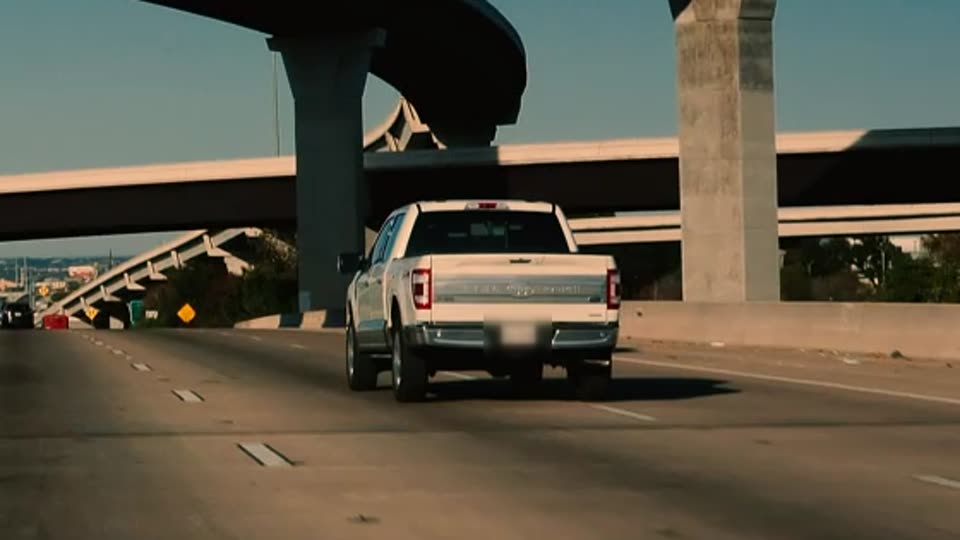
- Every night, 4,000 trucks upload dashcam video. Kestrel Freight wants a reviewed safety clip of every hard brake. Tonight its trucks upload 1,200 hours of dashcam video, more than anyone can watch.
- Each video plays and processes before its upload finishes. Editframe's uploader sends each truck's video in parts that start on a keyframe, so playback and processing begin while the rest uploads. Factory uses a part only after its checksum matches.
- Your pipeline starts on each part as it arrives. Built-in steps probe, transcribe, sample frames and find license plates on each part, while filter, review, redact and publish wait for the whole video. The pipeline is a versioned JSON graph. Each run keeps its version, and each step adds results to the video's record and sends a pipeline_step.completed webhook.
- A step can call your own systems. Kestrel's telematics system already records when each truck brakes hard. Its step sends that service a signed request with an idempotency key for each part, up to the concurrency limit you set. The service can return a result now, return it later by callback, or ask Factory to retry later. A step can also run an open model or your own code.
- Only flagged moments reach a reviewer. The filter step passes on only the hard brakes the telematics step reported. The video waits at review until Ana, a Kestrel reviewer, approves blurring one license plate, and then your app receives a webhook.
- Factory renders a branded clip your team can edit. Redact blurs the plate along the boxes the plates step found, and the clip carries captions from the transcript and a Kestrel lower third. Publish adds an internal playback link to the video's record. The same composition opens in an Editframe editor inside Kestrel's app, and each edit renders again.
- Workers follow the queue. Factory starts more workers as tonight's queue grows and stops them when it empties, so you never size servers for the busiest night. Calls to your own services stay within the limit you set. Timing in this scene is illustrative.
- All 1,200 hours were checked. Every part went through the same steps, and people saw only the hard brakes. Kestrel is one example. Your pipeline can use the same built-in steps and add open models, your own code or calls to your services. Factory runs hosted, and on-prem options are available.
From idea to delivery
The composition, the SDK, and the cloud that renders it.
Read the draft narration
Editframe gives you an SDK for building video into your product, backed by a render cloud that we operate.
You can build an editor around your customers’ workflow, or generate videos from the data in your application. Let’s look at what that involves.
This composition combines a 3D product model with animated typography and footage. You build it with web technologies, and Editframe puts its media and animation on a shared timeline.
That gives you something you can preview, edit, and personalize inside your application.
When it’s ready, your application submits it to our render cloud. Editframe runs the rendering infrastructure and delivers the finished video.
A product catalog can supply the content for a campaign. Customer activity can become a personalized recap. Each uses a composition your team authors.
Editframe provides the composition tools and operates the render cloud.
Inside the render cloud
Follow a composition through the rendering system.
Start with HTML, CSS, React, and your media. Give every element its place in time.
Play, pause, and scrub in the browser. Picture, motion, and sound follow one timeline.
Select a city and palette. The same composition updates from your data, ready to render.
Export locally or render in the cloud. Parallel workers process time ranges, then assemble one finished video.
Bring video into your application with streaming playback and media converted on demand.
Put the timeline, preview, and controls in your product. Make the editing experience your own.